How to get your watch-history.html file
To get your watch history, you need to download it from Google Takeout. Here's how you can do it:
- Go to Google Takeout
- Sign in with your Google account if you haven't already
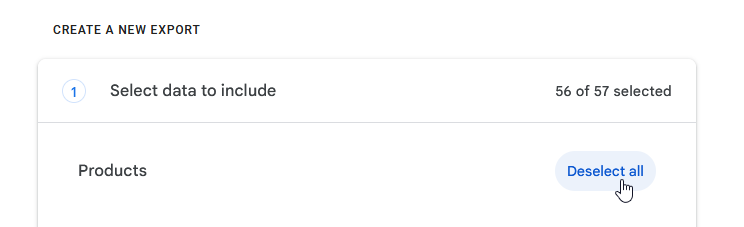
- Click on "Deselect all"
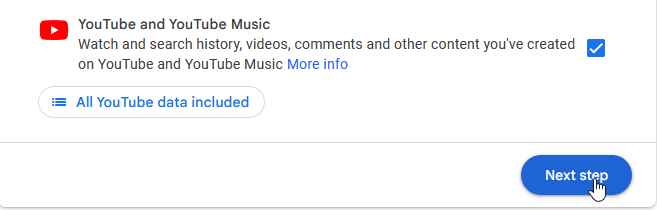
- Find and select "YouTube and YouTube Music"
- Click on "Next step"
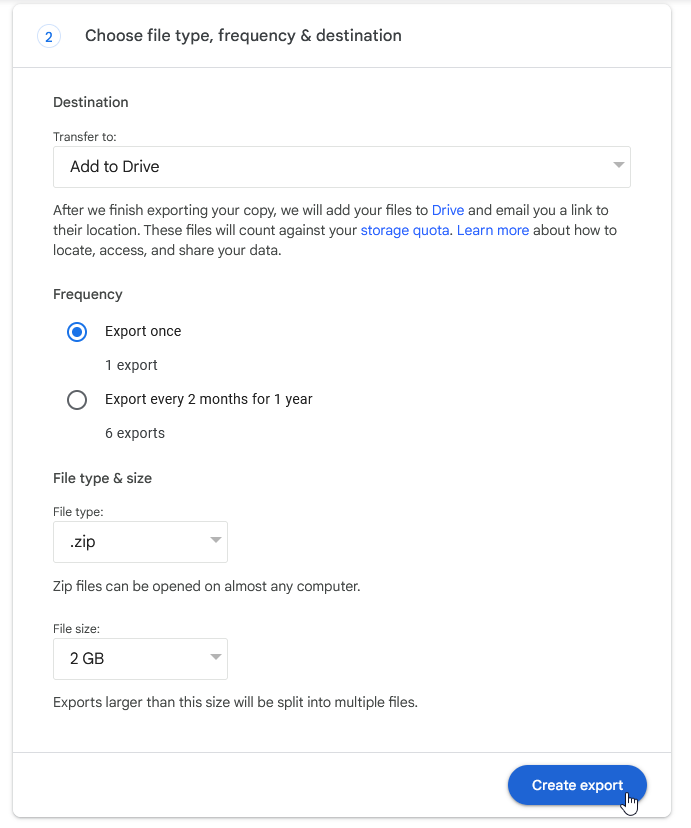
- Choose the delivery you can access
- Click on "Create export"
- Wait for the export to be created
- Download the archive
- Extract the archive and find the "watch-history.html" file